

Top CMDB Tools
1. Faddom

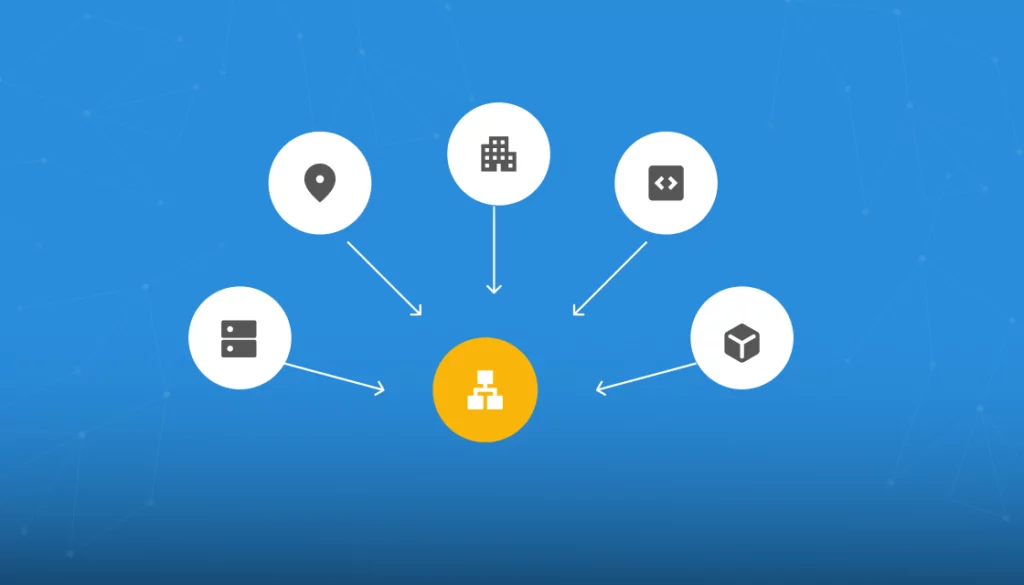
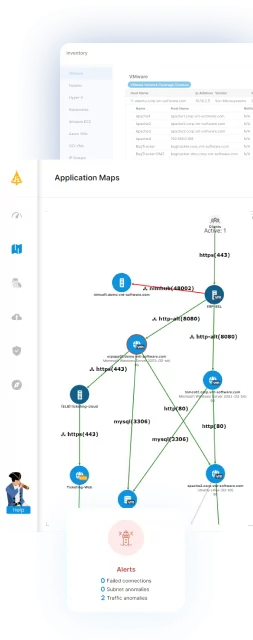
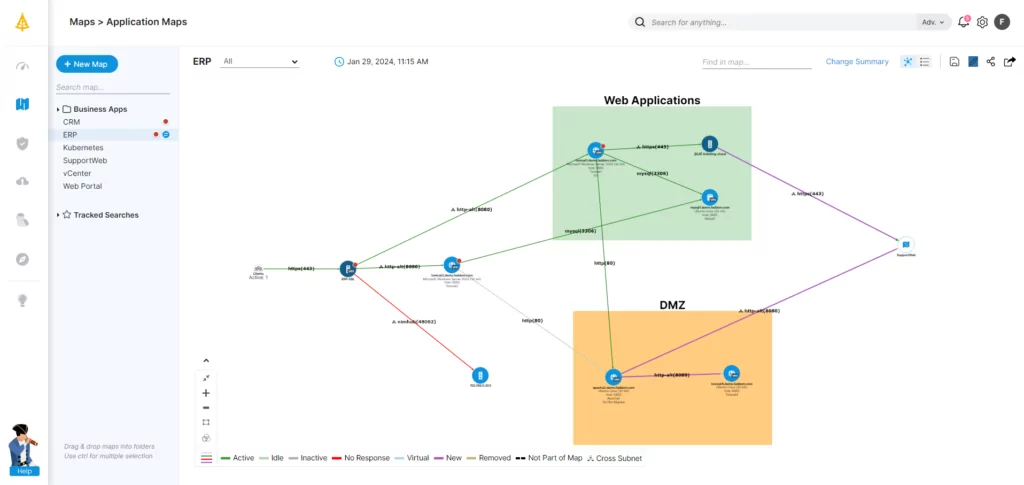
Faddom is a lightweight CMDB that documents your servers in real time. It visualizes your on-premises and cloud infrastructure in as little as one hour without agents. Instantly map all your servers and business applications, highlighting their interdependencies.
Key features:
- Faddom is agentless and doesn’t require credentials
- It is cheap, starting at $10K/year
- Map the entire environment in real-time, updating 24/7
- Quick: One person can map the entire organization in an hour
Source: Faddom
2. BMC Helix CMDB
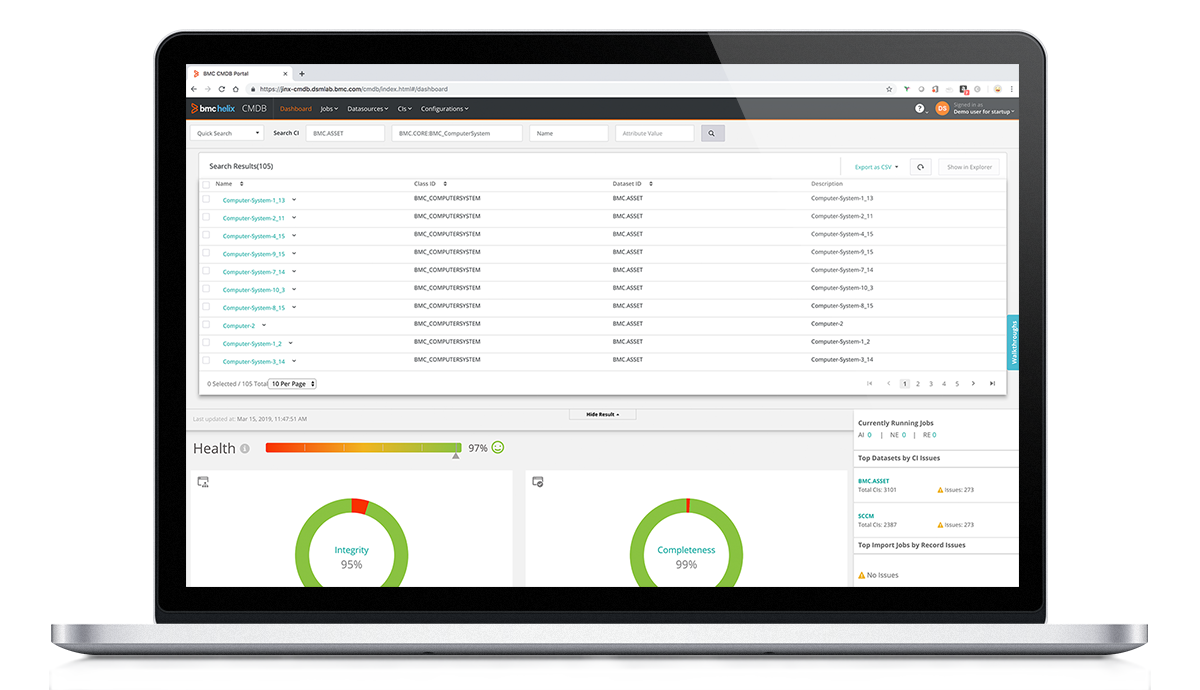
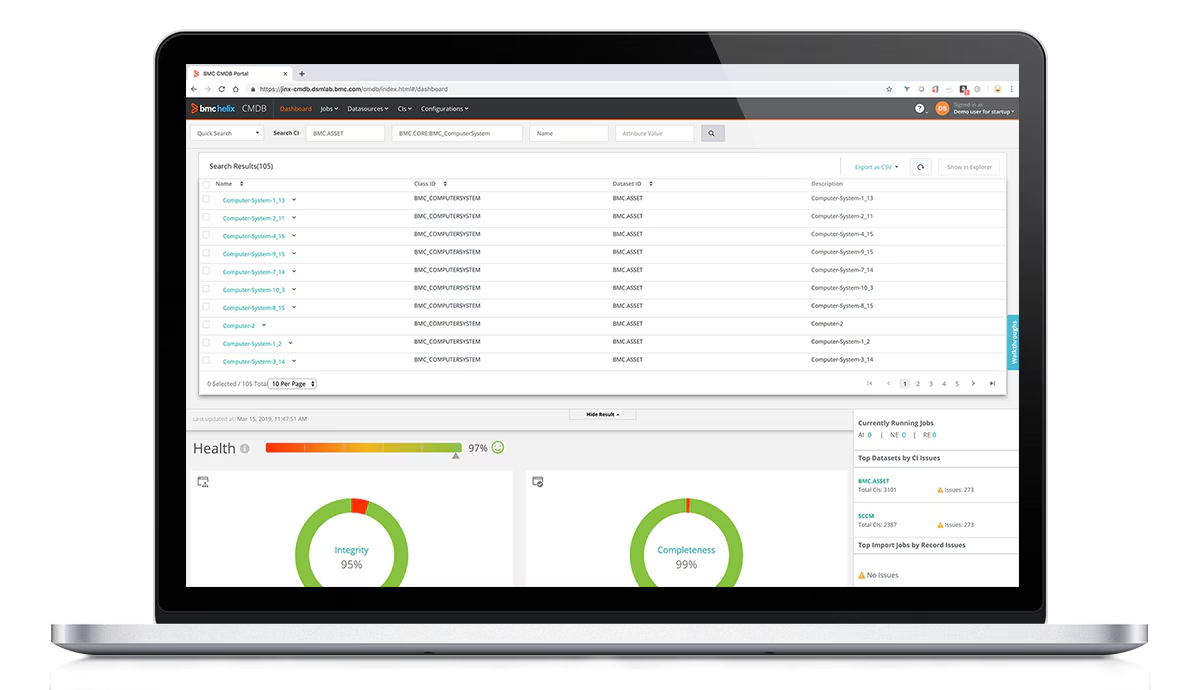
BMC Helix CMDB is a configuration management database that stores, validates, and manages data about IT infrastructure and the relationships between configuration items. It provides a service model that acts as a reference point for other ITSM applications. The platform supports normalization, reconciliation, data federation, and model extension to maintain data integrity.
Key features:
- Single source of truth: Maintains validated configuration data that can be shared across ITSM applications as a central reference model.
- Normalization and reconciliation: Ensures data quality and consistency by standardizing and reconciling information from multiple sources.
- Impact simulation: Enables simulation of change impacts on business services and generation of reports for audit and compliance purposes.
- Data federation: Links to external data repositories without storing all information directly in the CMDB.
- Extensible data model: Supports customization and extension of the data model using class management capabilities.
- Dataset partitioning: Allows logical grouping of data into datasets, such as intended and actual states, to compare and identify discrepancies.
- Programmatic and bulk data access: Provides APIs and bulk data load options for integration and large-scale data operations.
Source: BMC
3. ServiceNow CMDB

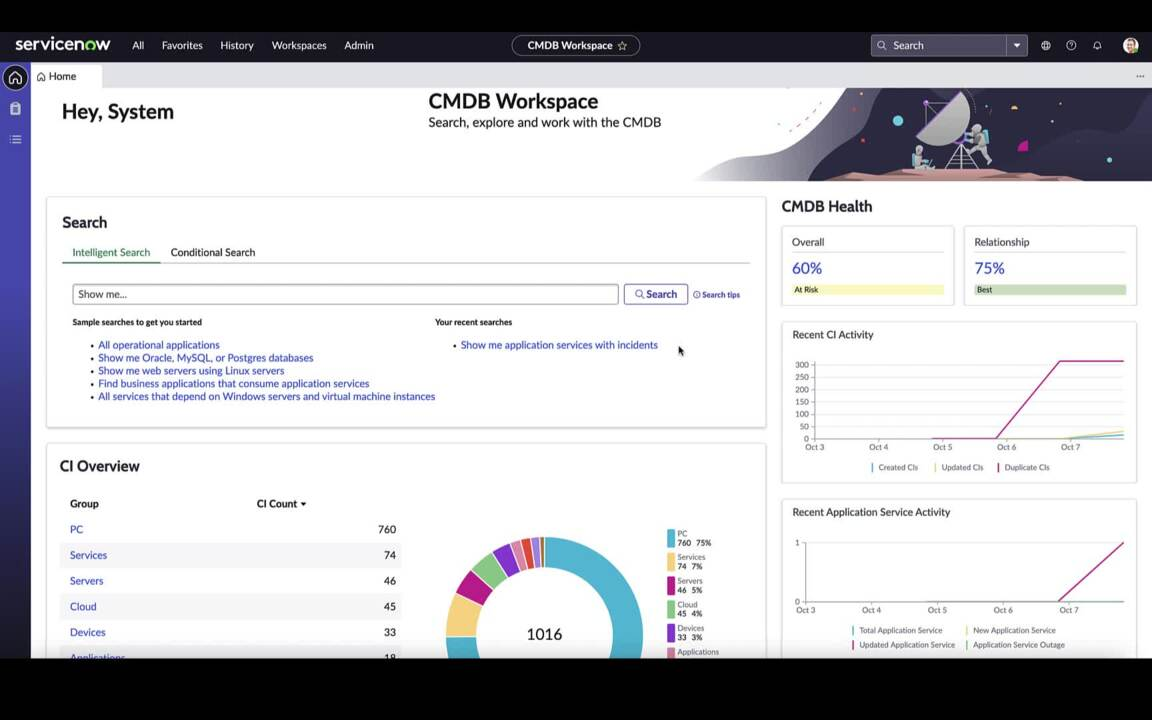
ServiceNow CMDB is a configuration management database that acts as a unified system of record for configuration item data. It connects multiple IT systems, supports lifecycle management, and continuously assesses data accuracy. The platform integrates with other ServiceNow capabilities to provide visibility into relationships, risk, and impact across digital services.
Key features:
- Service graph connectors: Standardize and integrate external data from key IT systems to provide a unified configuration view.
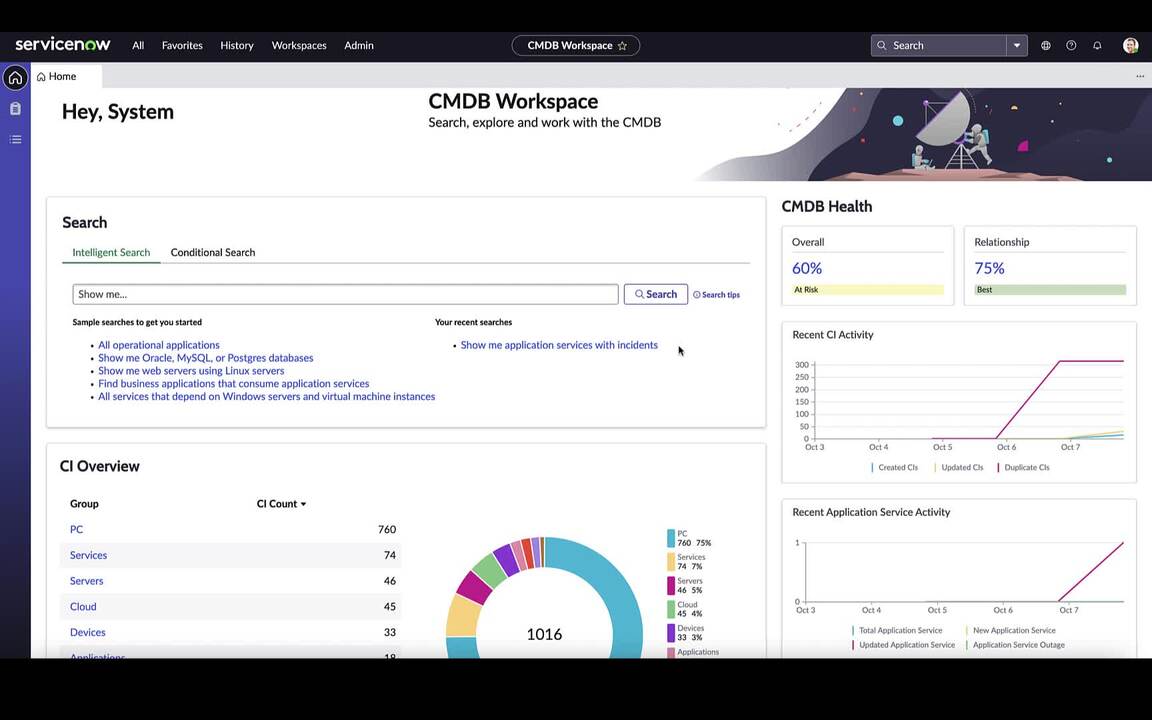
- CMDB workspace: Centralizes data management, activity tracking, and insight generation within a dedicated interface.
- Data acquisition tools: Automatically populate and curate CI data from multiple sources to maintain a comprehensive view.
- Visualization and reporting: Provides unified maps to visualize business context and technical relationships between configuration items.
- Automated context refresh: Continuously updates context to help assess risk and impact across services.
- Continuous data assessment: Monitors data accuracy to support trusted reporting and AI-driven processes.
Source: ServiceNow
4. OpenText Universal Discovery

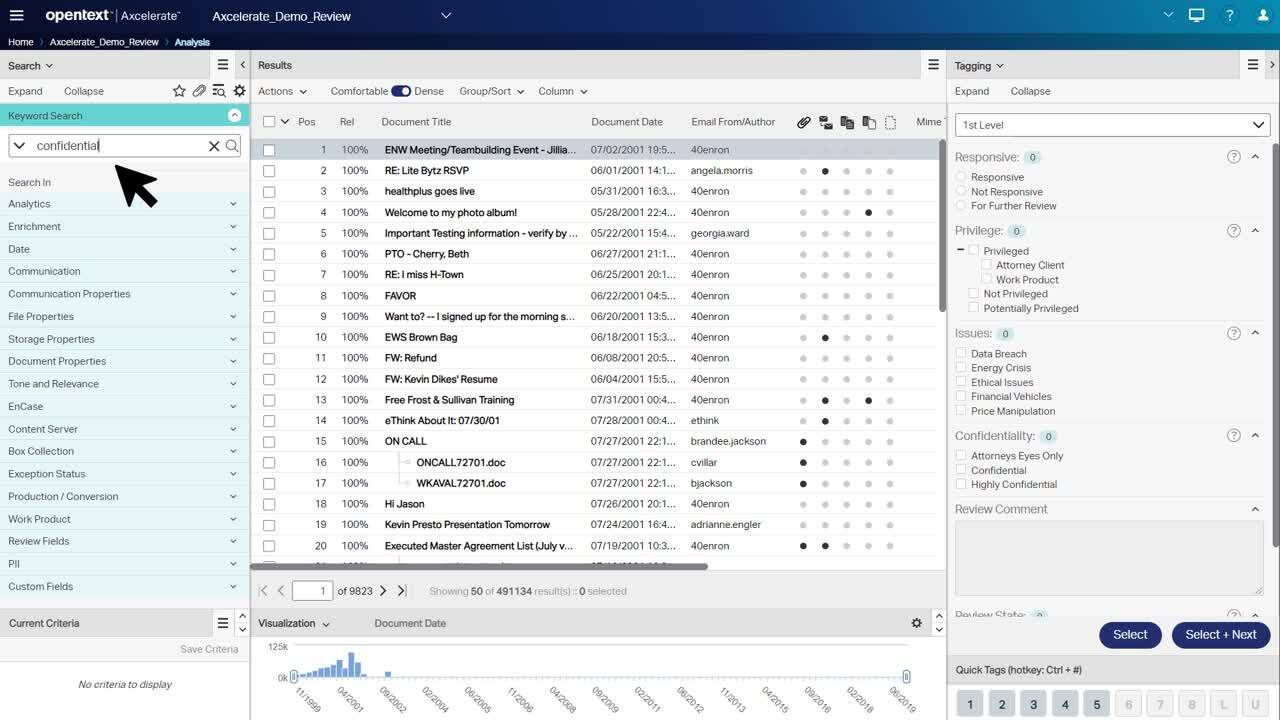
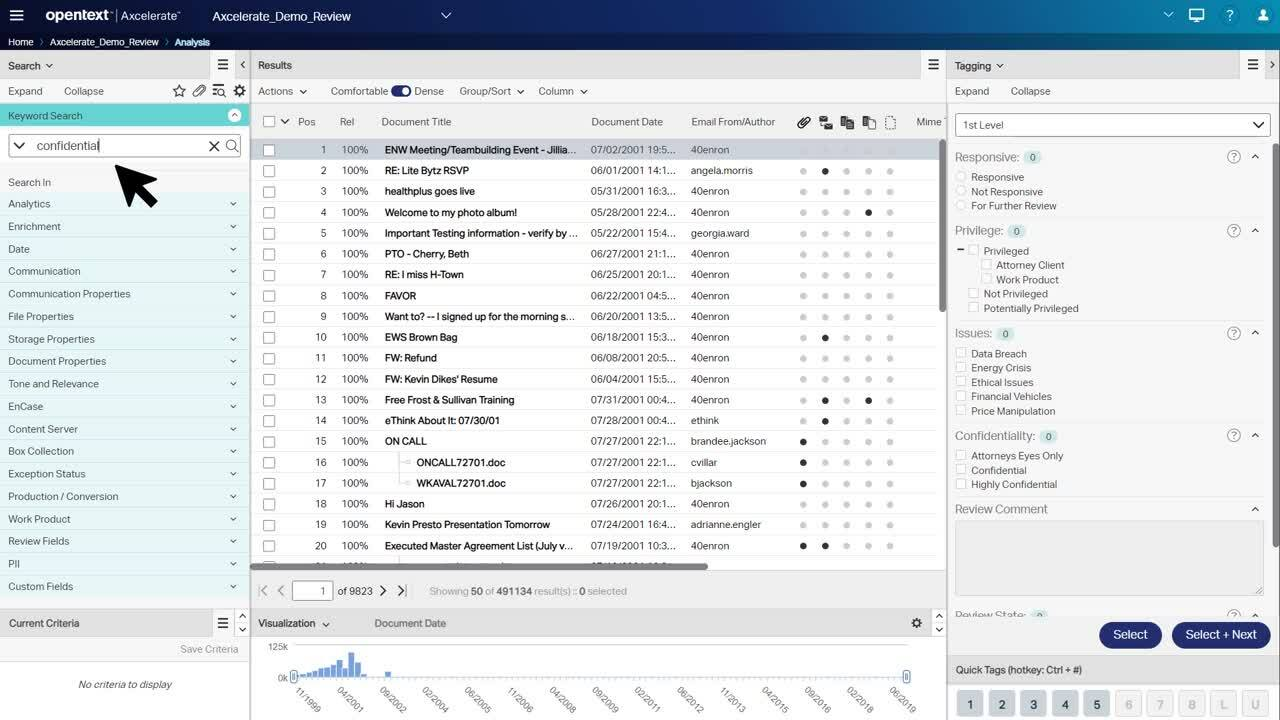
OpenText Universal Discovery and CMDB is a vendor-neutral configuration management solution for hybrid and multicloud environments. It combines IT discovery with CMDB capabilities to provide visibility into infrastructure components and their relationships. The platform supports configuration compliance checks, impact analysis, and integration with existing ITSM and monitoring tools.
Key features:
- Deep IT discovery: Discovers and maps configuration items across on-premises, network, and multicloud environments.
- Enterprise CMDB foundation: Creates a centralized and trusted repository of configuration data that can be shared across IT teams and tools.
- Service dependency mapping: Identifies relationships between infrastructure components and services to support impact analysis and faster incident resolution.
- Configuration compliance checks: Detects misconfigured or noncompliant infrastructure to support governance and risk management.
- Vendor-neutral integrations: Integrates with a wide range of ITSM, monitoring, and management platforms without requiring tool replacement.
- Role-specific reporting and dashboards: Provides dashboards and reporting tailored to different user roles for improved visibility and decision-making.
Source: OpenText
5. SolarWinds Service Desk CMDB

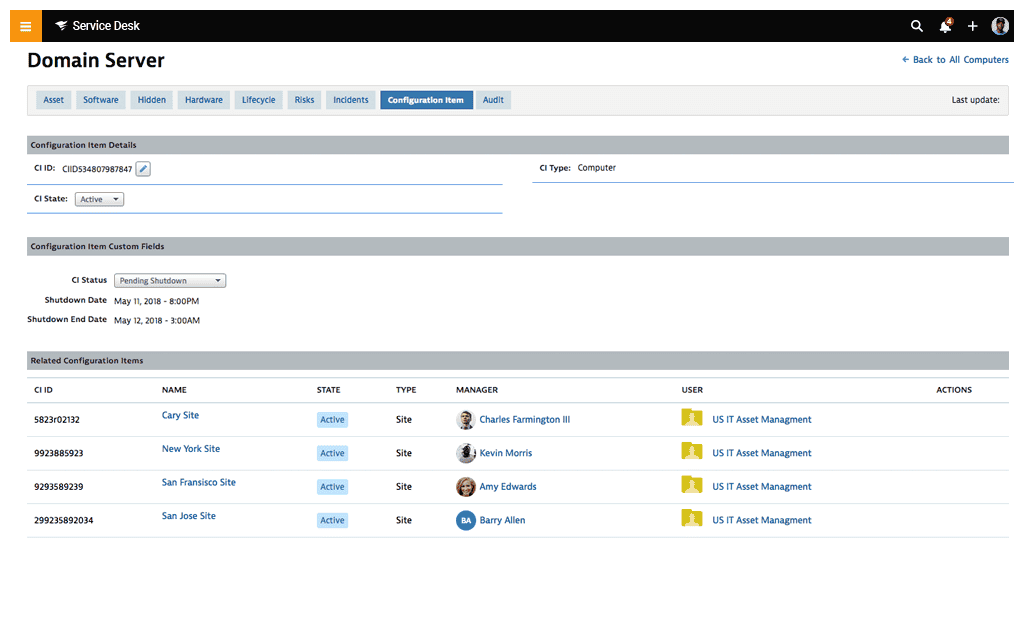
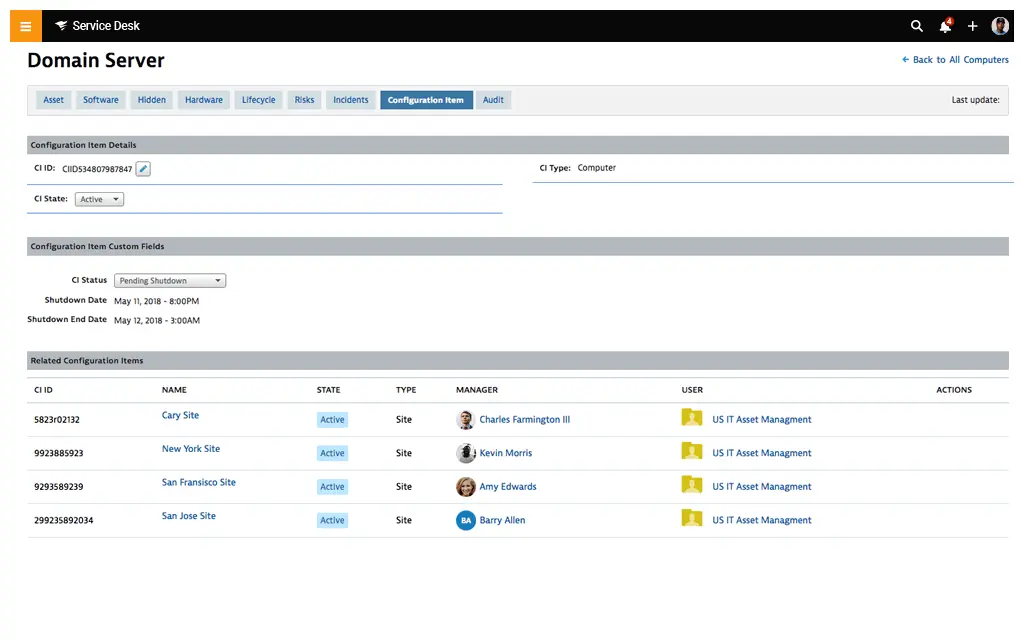
SolarWinds Service Desk CMDB is a configuration management database integrated within an ITSM platform. It centralizes asset information, maps dependencies between configuration items, and links assets to incidents and change processes. The CMDB is designed to improve visibility into infrastructure components and support faster troubleshooting and risk assessment.
Key features:
- Centralized asset repository: Consolidates asset data from manual entry, network discovery, and integrations such as SCCM, Jamf, Intune, and vCenter.
- Dependency mapping: Enables creation and visualization of relationships between configuration items to assess change impact and reduce risk.
- Visual CMDB map: Provides a graphical representation of asset relationships to simplify navigation and infrastructure analysis.
- Incident and asset correlation: Links configuration items to incidents to identify recurring issues and support problem management workflows.
- ITSM integration: Integrates tightly with service desk processes to improve troubleshooting and operational efficiency.
- Automation with observability integration: Supports bidirectional synchronization of alerts and incidents when integrated with SolarWinds observability tools.
Source: SolarWinds
6. Deepser

Deepser CMDB is part of a modular ITSM platform that centralizes configuration and asset information in a single system. It enables organizations to manage and link IT resources while supporting customizable data structures and workflows. The CMDB integrates with other Deepser modules to support service management and process automation.
Key features:
- Centralized configuration database: Stores and organizes IT resources in a unified repository to support visibility and control.
- Unlimited asset management: Supports management of unlimited configuration items within the CMDB module.
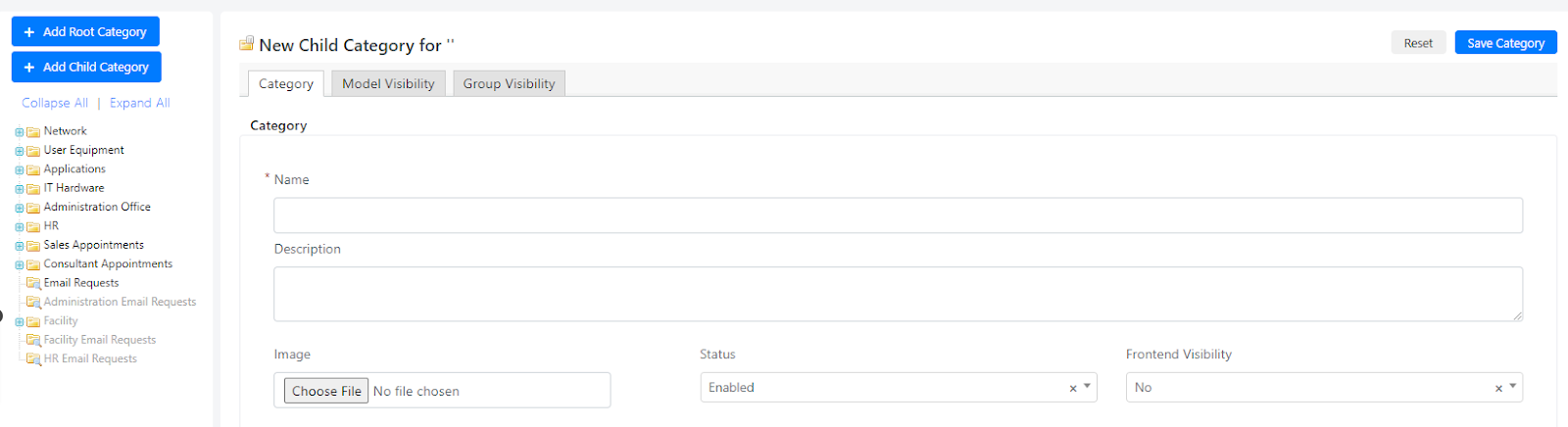
- Graph views for relationships: Provides graphical views to represent relationships between configuration items.
- Customizable structure: Allows customization of fields, forms, grids, and workflows to adapt the CMDB to organizational needs.
- Workflow and automation support: Enables automation of processes related to configuration and asset management.
- Deployment flexibility: Available both on-premises and in the cloud with the same feature set.
Source: Deepser
7. Device42 CMDB

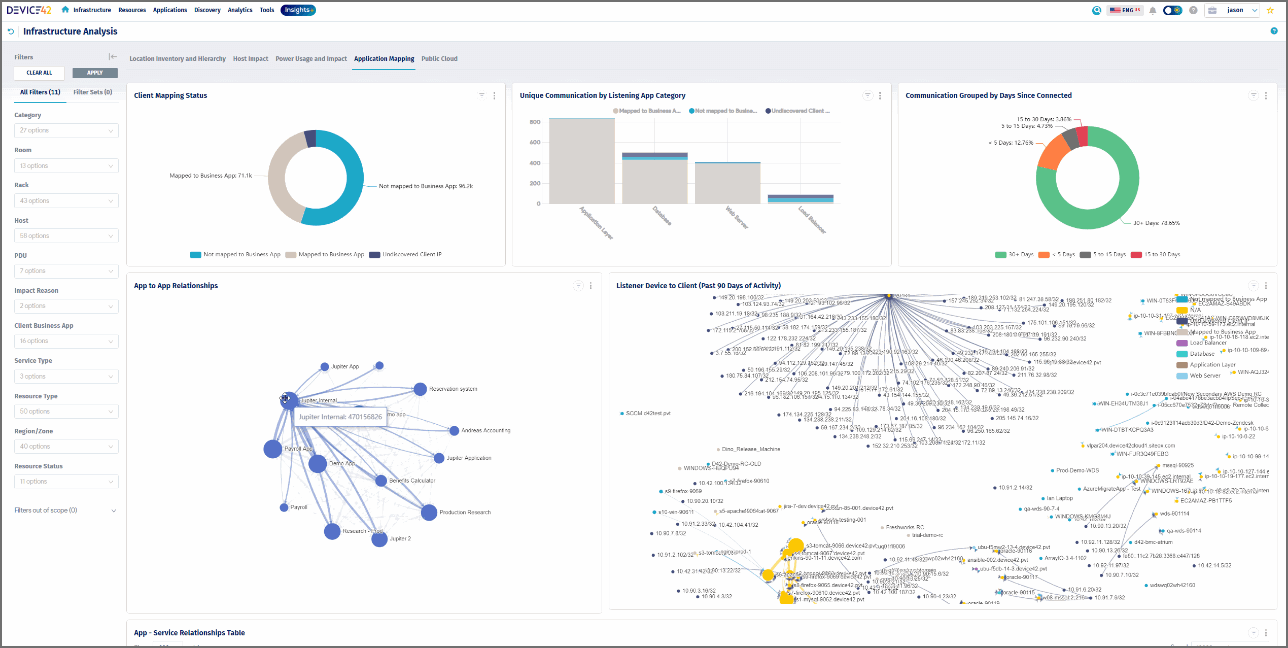
Device42 CMDB is a configuration management database that provides a single source of truth across hybrid IT environments. It uses automated discovery to populate configuration items and maps dependencies between infrastructure components and applications. The platform supports reporting, dashboards, and integration with external systems.
Key features:
- Automated discovery engine: Discovers hardware, software, network devices, end-user devices, and cloud resources across hybrid environments.
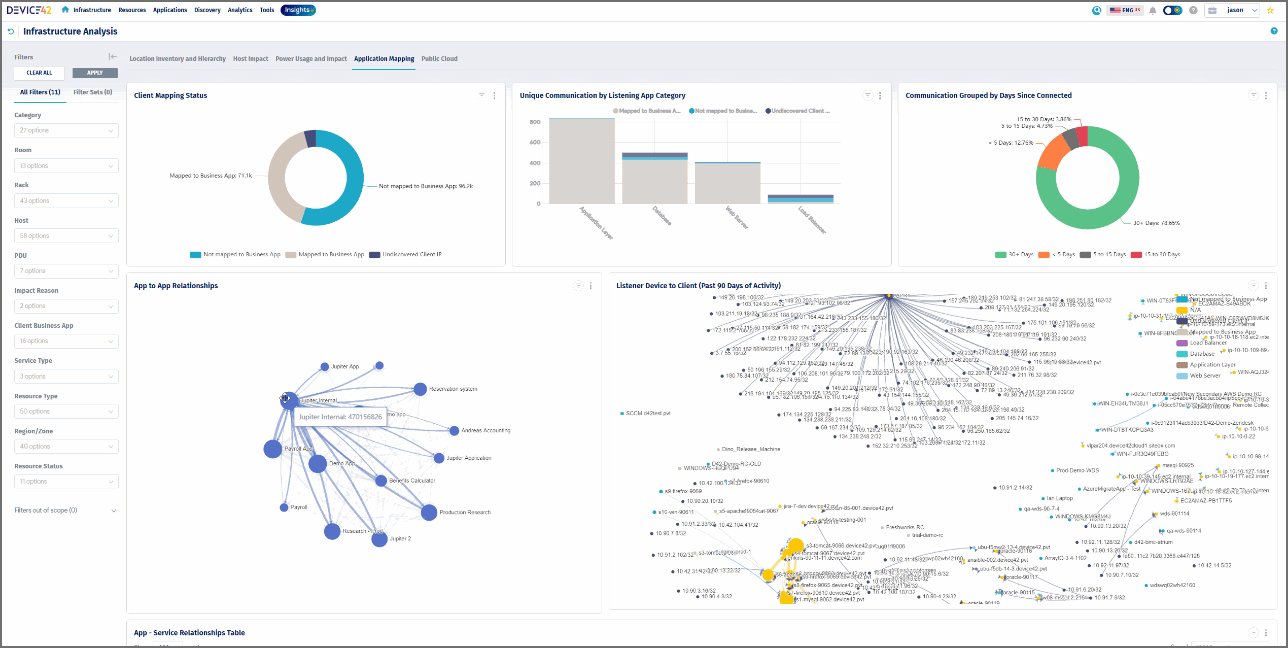
- Comprehensive dependency mapping: Maps relationships between applications, services, and infrastructure to support impact analysis and root cause identification.
- Complete inventory management: Maintains an up-to-date inventory of configuration items and their interdependencies in a centralized repository.
- Preconfigured CIs and relationships: Provides predefined configuration item types and relationships to reduce manual setup.
- Reporting and dashboards: Offers tabular reports, dashboards, and visualizations to analyze configuration data and trends.
- Integration capabilities: Supports integrations and APIs to exchange data with ITSM and other IT management platforms.
Source: Device42
8. Freshservice CMDB
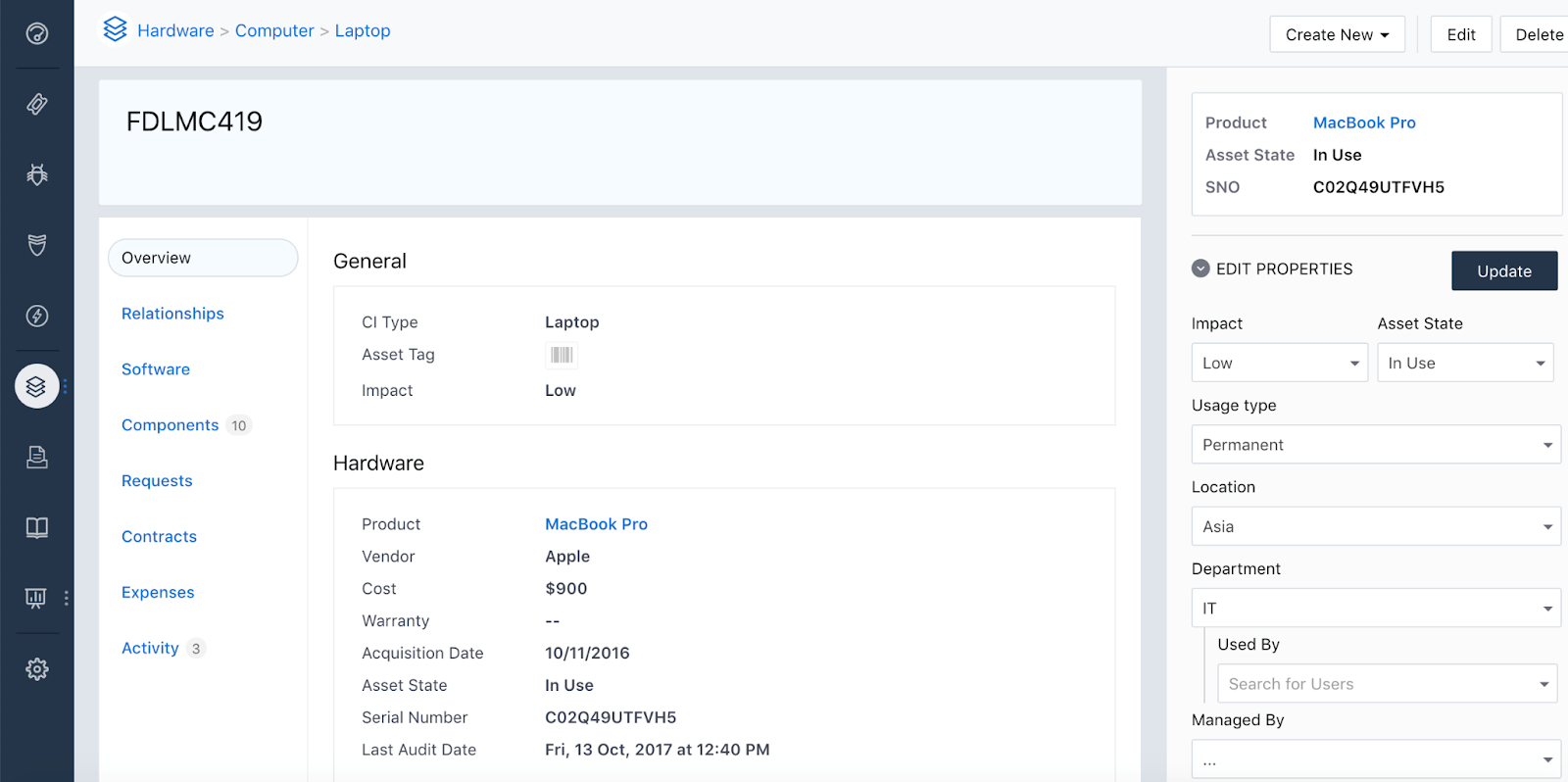
Freshservice CMDB is part of the Freshservice ITSM platform and provides a centralized record of configuration items and their relationships. It supports asset visibility across IT environments and integrates with service management processes. The CMDB works with automation, AI capabilities, and other Freshservice modules to support service delivery and governance.
Key features:
- Advanced CMDB capabilities: Maintains a structured repository of configuration items to support ITSM, ITAM, and ITOM processes.
- Asset and service unification: Connects asset data with service management workflows to provide a consolidated operational view.
- Integrated service management platform: Links CMDB data with incident, problem, change, and release management processes.
- Automation and workflow support: Uses built-in automation and workflow capabilities to simplify configuration and service processes.
- Enterprise service extension: Enables service management practices to extend beyond IT to other business functions on the same platform.
- Security and compliance controls: Supports secure and compliant operations within an enterprise-grade environment.
Source: Freshservice
9. Vivantio CMDB

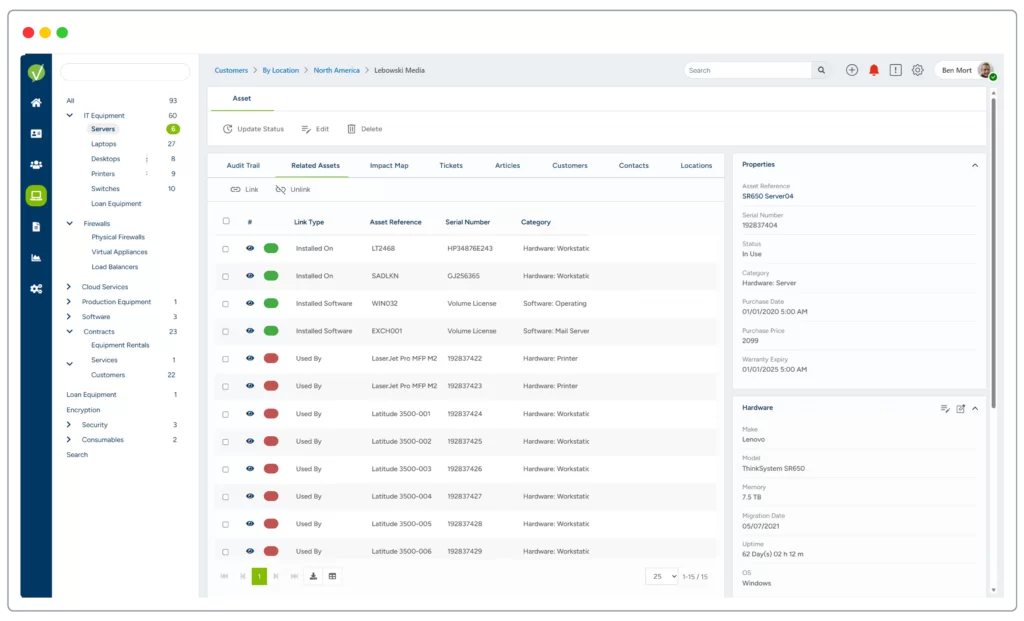
Vivantio CMDB centralizes configuration and asset information to provide visibility into the lifecycle of business assets. It enables categorization of assets, mapping of relationships, and assessment of business impact. The CMDB integrates with service management processes to support risk reduction and operational planning.
Key features:
- Full lifecycle asset tracking: Centralizes configuration information for products, systems, software, and other assets.
- Asset categorization: Distinguishes between physical assets and conceptual entities, with support for contracts and licenses.
- Asset hierarchy and relationships: Creates dependency links between configuration items to assess upstream and downstream impact.
- Custom attributes: Supports unlimited custom fields to capture detailed information for different asset types.
- Audit trail: Maintains a record of changes made to assets throughout their lifecycle.
- Impact mapping: Provides graphical impact maps to analyze service dependencies and business risk.
Source: Vivantio
10. ManageEngine CMDB

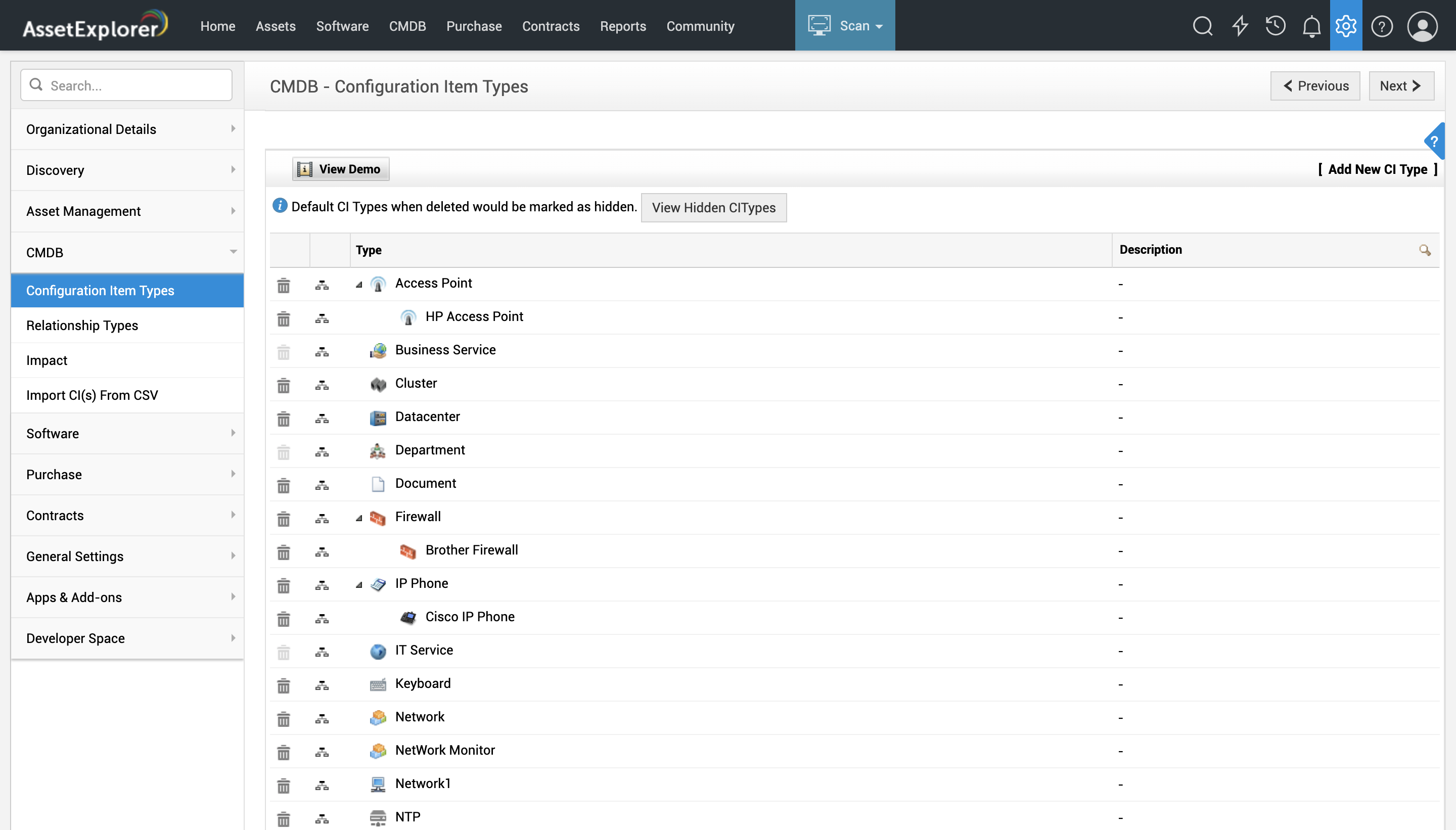
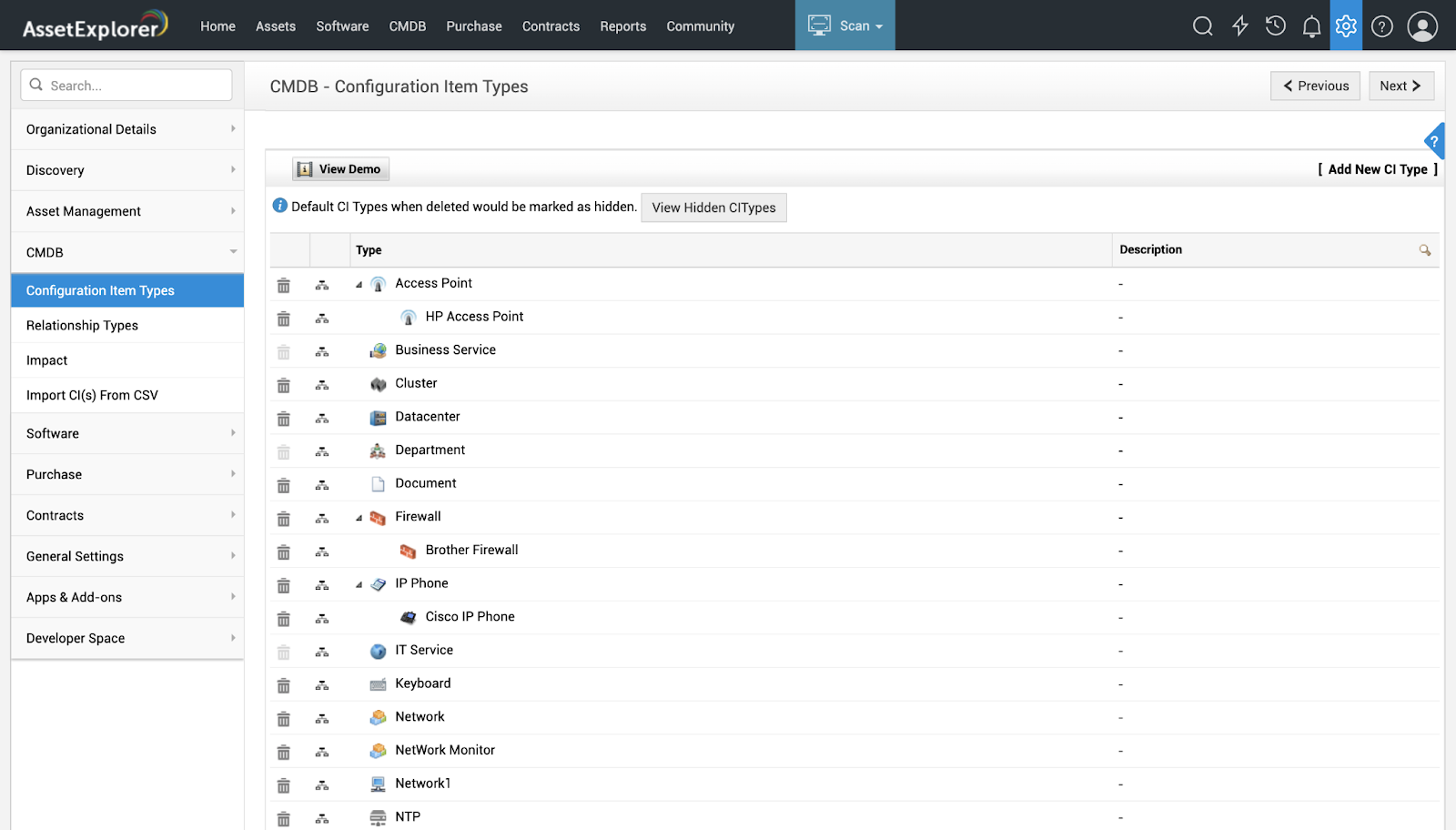
ManageEngine CMDB is a centralized repository that stores information about configuration items across the IT environment. It supports classification of CIs into types and subtypes, maintains relationships between them, and provides impact analysis capabilities. The CMDB is intended to support complex IT structures with interconnected components.
Key features:
- Centralized CI repository: Stores hardware, software, documents, business services, and personnel as configuration items.
- Configuration item types: Categorizes CIs into defined types with unique attributes and relationships.
- Hierarchical CI structure: Supports subtypes that inherit attributes and relationships from parent CI types.
- Relationship mapping: Automatically discovers and maps dependencies between configuration items through directory imports and network scans.
- Impact analysis: Uses relationship maps to analyze the effect of configuration item issues on business services and identify root causes.
Source: ManageEngine
Conclusion
Choosing the right CMDB tool is critical for effective IT infrastructure management. The tools listed above offer robust features such as automated data collection, relationship mapping, data visualization, and integration capabilities. These features help organizations maintain an accurate and up-to-date repository of IT assets, enhance operational efficiency, and support ITIL processes. By selecting the right tool, you can achieve better asset management, improve service delivery, and streamline IT operations.
Learn more about Faddom for asset documentation and discovery