

Notable Configuration Management Tools
Infrastructure as Code (IaC) and Provisioning
1. Terraform

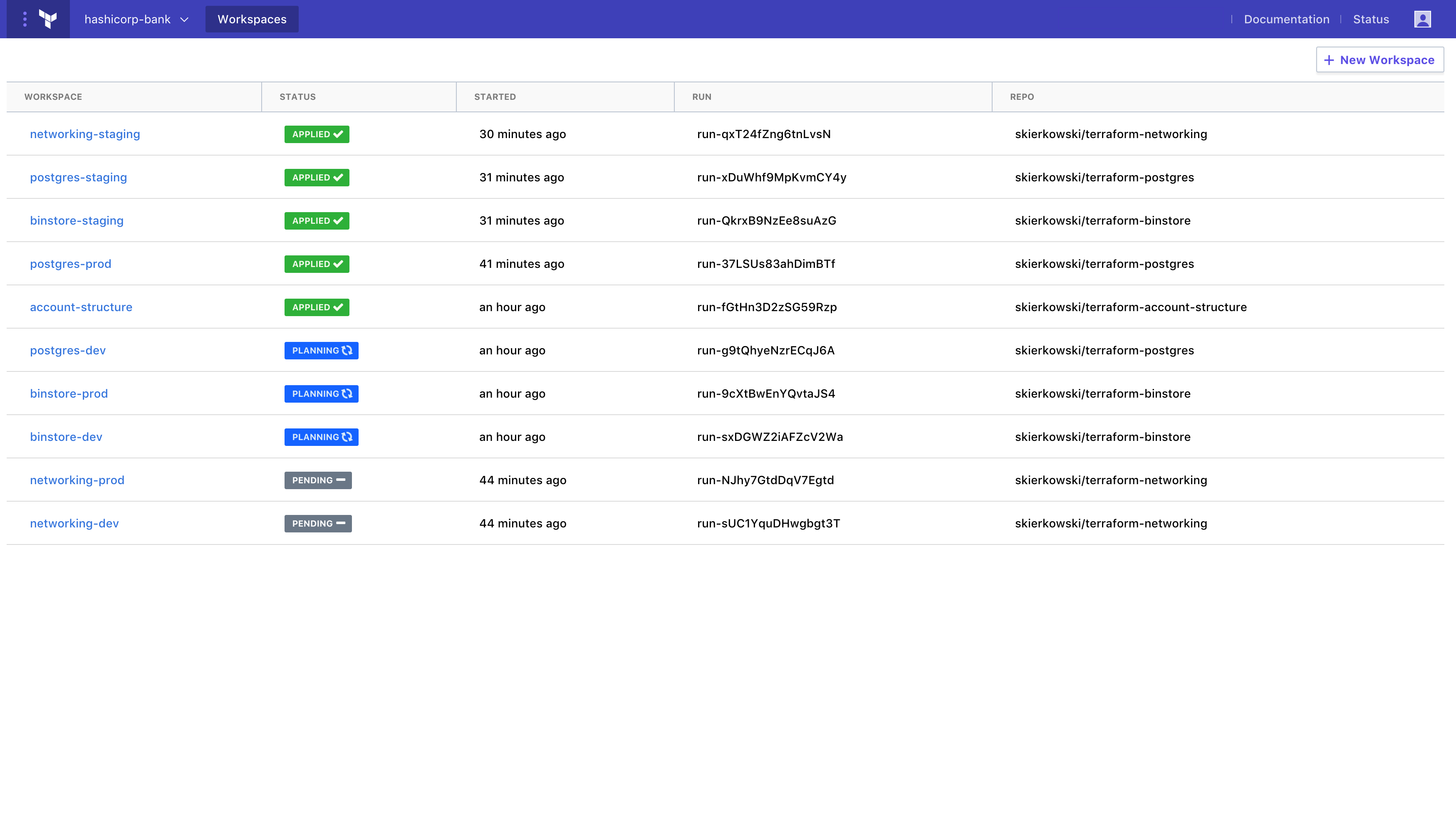
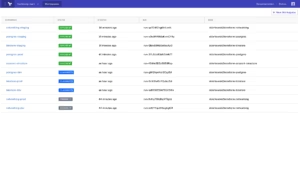
Terraform is an infrastructure as code tool that enables teams to define, provision, and manage cloud and on-premises resources using declarative configuration files. It supports a consistent workflow across the infrastructure lifecycle, allowing users to write configurations, generate execution plans, and apply changes in a controlled manner.
Key features include:
- Declarative infrastructure definition: Defines infrastructure in human-readable configuration files that describe the desired end state.
- Provider ecosystem: Integrates with thousands of providers to manage cloud platforms, SaaS services, Kubernetes, and more through APIs.
- Plan and apply workflow: Generates an execution plan before applying changes, enabling review and approval prior to modification.
- State management: Maintains a state file as a source of truth to track infrastructure and determine required updates.
- Dependency graph resolution: Builds a resource graph to manage dependencies and provision resources in the correct order.
- Reusable modules: Supports modular configurations to standardize and reuse infrastructure patterns.
- Version control integration: Allows configurations to be stored in VCS systems to support collaboration and change tracking.
Source: HashiCorp
2. CFEngine

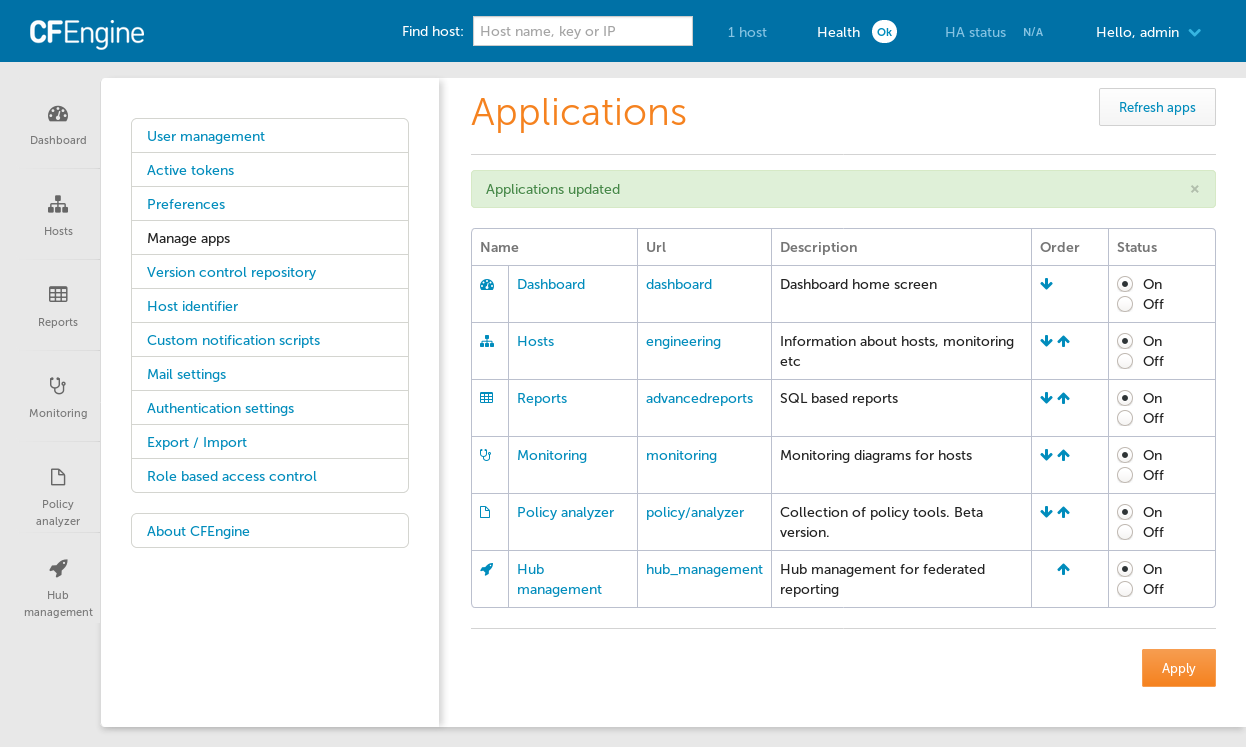
CFEngine is an infrastructure automation platform designed to manage configuration, security, and compliance across distributed environments. It supports both open source and commercial editions and runs on Linux and Windows, depending on the edition. CFEngine provides centralized visibility into infrastructure state and policy compliance, and includes an AI agent that can query infrastructure data.
Key features include:
- Configuration management automation: Automates day-to-day infrastructure tasks to maintain systems in a secure and consistent state.
- Security and patch management: Supports infrastructure hardening and patch processes to reduce risk and maintain system integrity.
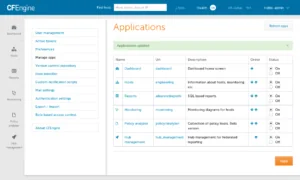
- Compliance reporting: Provides inventory and compliance reports through a centralized web interface.
- AI-assisted insights: Includes an AI agent that generates SQL queries to surface infrastructure insights while limiting shared data to schema only.
- Centralized visibility: Offers dashboards and reports as a single source of truth for infrastructure status.
- CI/CD integration: Integrates automation workflows into CI/CD pipelines to support DevSecOps practices.
- Open source and enterprise editions: Available in community and enterprise versions with varying platform support and management capabilities.
Source: CFEngine
3. Pulumi

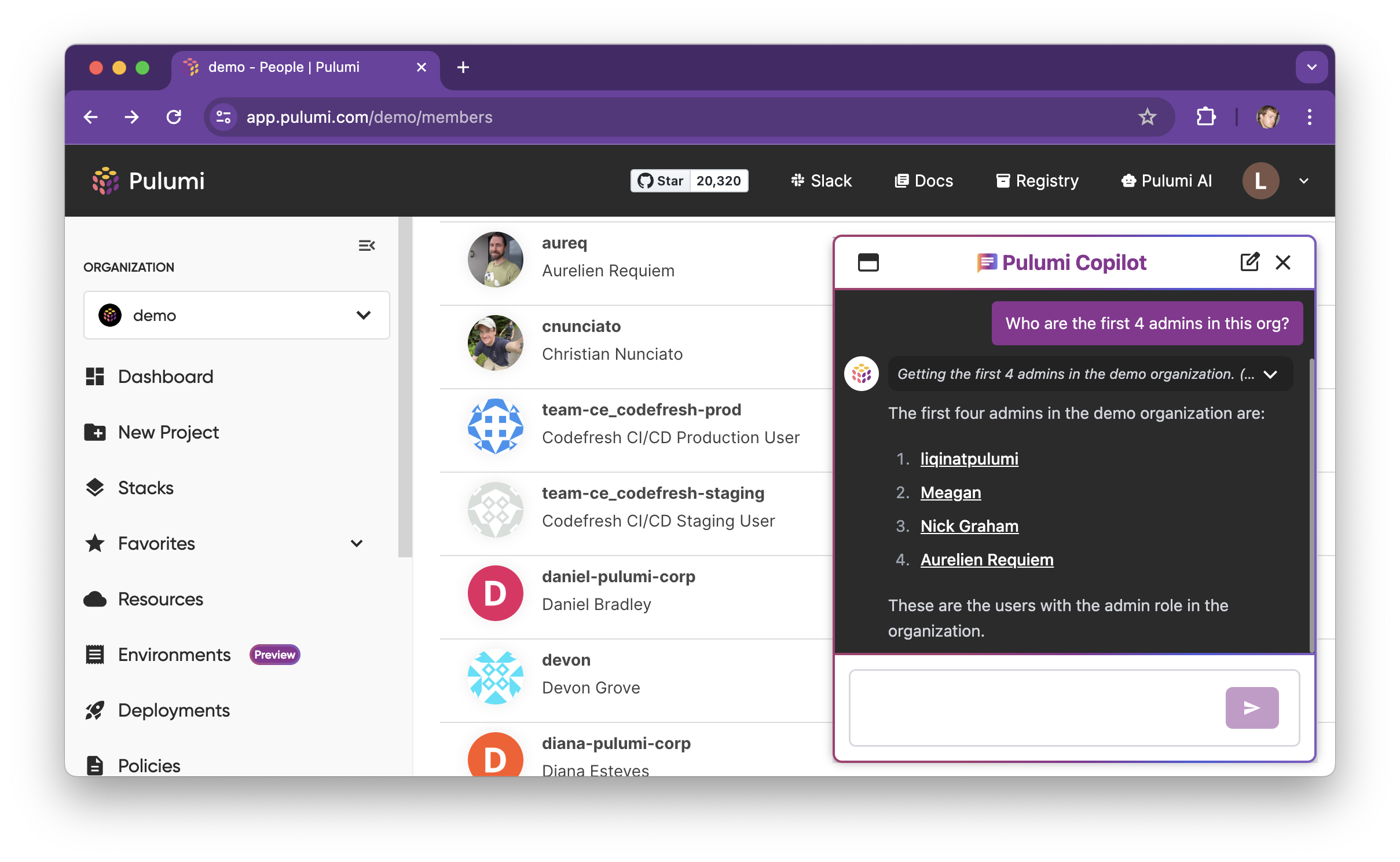
Pulumi is an infrastructure as code platform that allows teams to define and manage cloud infrastructure using general-purpose programming languages such as TypeScript, Python, Go, C#, Java, and YAML. It combines open-source IaC with centralized management capabilities through Pulumi Cloud.
Key features include:
- Multi-language support: Enables infrastructure definition using common programming languages with full IDE and testing support.
- Infrastructure as software: Supports loops, functions, and reusable components to build modular infrastructure code.
- Pulumi Cloud management: Provides centralized state management, collaboration, and deployment workflows.
- Secrets management: Centralizes and encrypts secrets, integrating with external secret stores such as Vault and cloud-native services.
- Policy and governance controls: Enforces policies and compliance rules across infrastructure deployments.
- Multi-cloud deployment: Supports deployment to major cloud providers and Kubernetes environments.
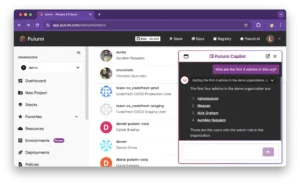
- AI-assisted automation: Includes AI capabilities to generate infrastructure, review changes, and assist with deployments.
Source: Pulumi
Configuration Management and System State Enforcement
4. Ansible
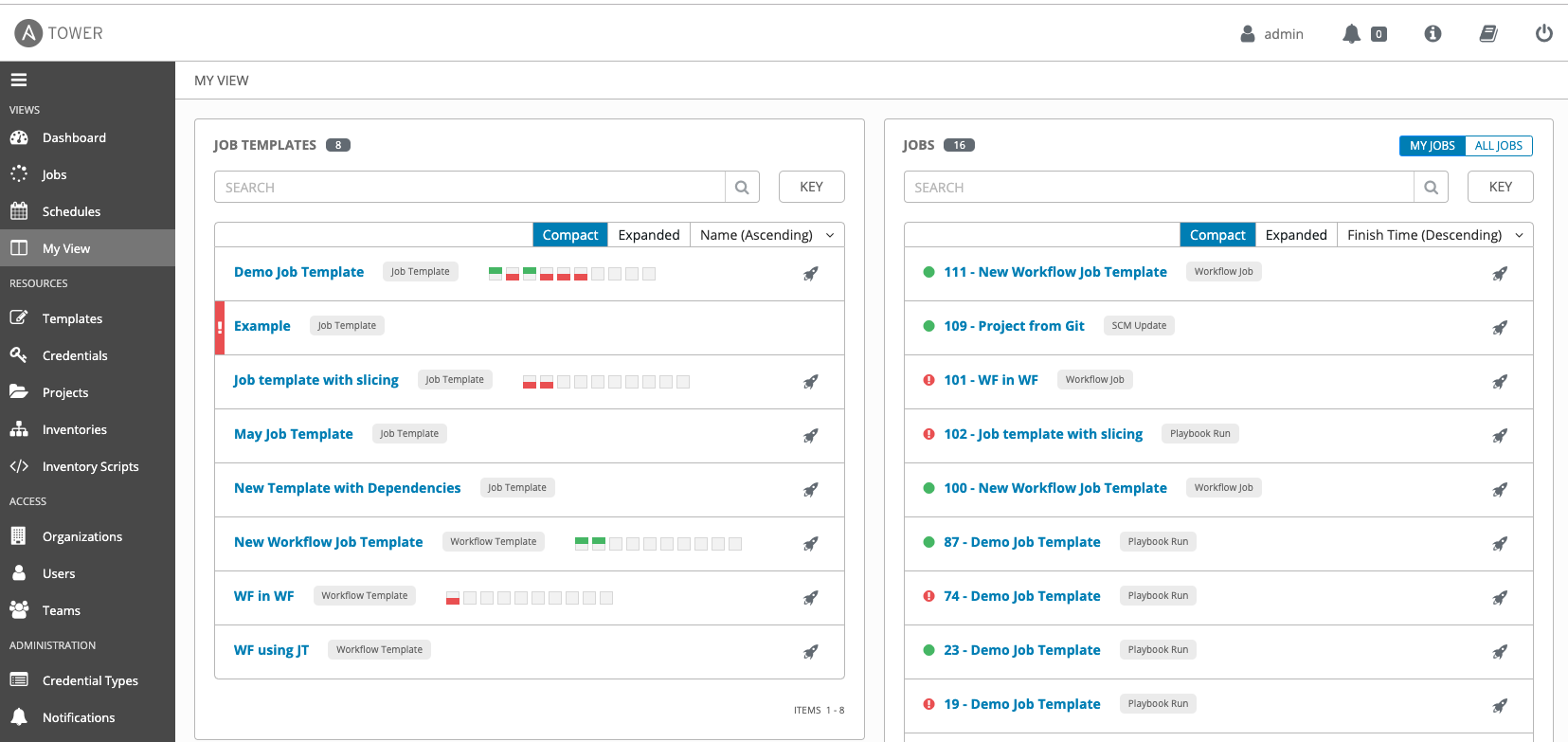
Ansible is an open-source automation framework that simplifies configuration management, application deployment, and task automation. It uses human-readable YAML playbooks to describe the desired system state and operates without agents, relying on SSH or other native protocols for communication.
Key features include:
- Agentless architecture: Connects to managed nodes without requiring additional software installation.
- Declarative playbooks: Uses YAML-based playbooks to define the desired state of systems.
- Idempotent execution: Ensures repeated runs do not change systems already in the intended state.
- Broad platform support: Automates across operating systems, cloud platforms, and network devices.
- Modular design: Extends functionality through modules, plugins, and collections.
- Rolling updates: Supports zero-downtime updates and controlled deployment strategies.
Integration capabilities: Fits into CI/CD workflows and broader automation pipelines

Source: Ansible
5. Puppet

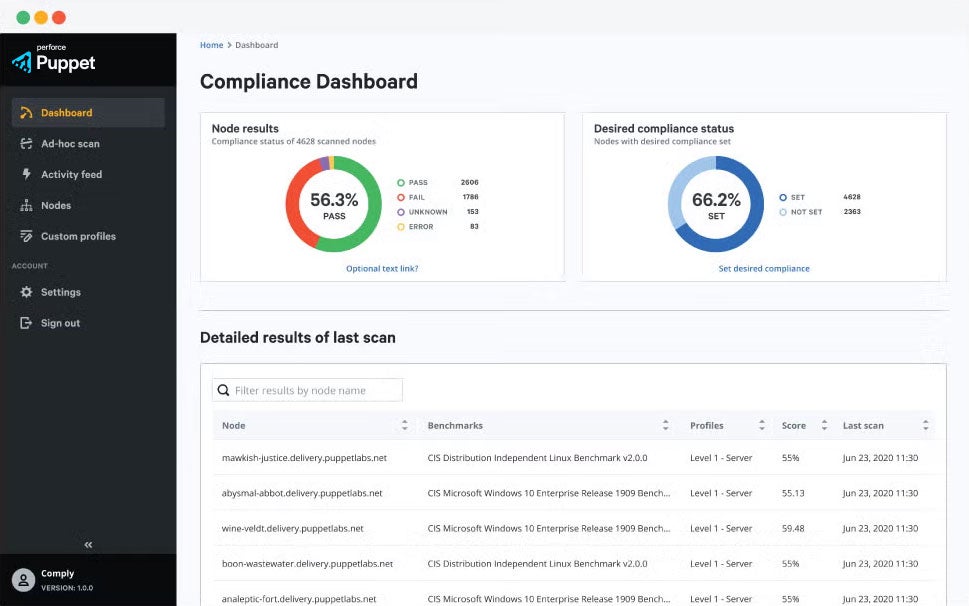
Puppet is a desired state automation platform to manage infrastructure across hybrid environments, including servers, networks, cloud, and edge systems. It focuses on policy-driven automation to enforce security, compliance, and configuration standards at scale. Puppet provides centralized governance and reporting to help organizations maintain consistent and auditable infrastructure states.
Key features include:
- Desired state automation: Enforces predefined system states across distributed infrastructure.
- Policy-driven governance: Applies security and compliance policies consistently across environments.
- Enterprise scalability: Designed to manage large, complex infrastructures with centralized oversight.
- Audit reporting: Provides visibility into changes, compliance posture, and system status.
- Hybrid infrastructure support: Manages servers, cloud, network, and edge environments.
- Integration with DevOps workflows: Connects automation processes with broader toolchains to accelerate deployments.

Source: Puppet
6. Progress Chef

Progress Chef is an infrastructure automation platform that unifies configuration management, compliance, and orchestration within a single control plane. It supports automation across cloud, on-premises, hybrid, and air-gapped environments. Chef enables teams to define infrastructure and compliance policies as code and orchestrate workflows using both UI-based tools and automation frameworks.
Key features include:
- Infrastructure management: Standardizes and automates infrastructure configuration across environments.
- Continuous compliance: Runs scheduled or on-demand compliance audits using standards-based content.
- Workflow orchestration: Coordinates DevOps tools and operational workflows from a central interface.
- Policy as code: Defines and enforces configuration and compliance rules programmatically.
- Environment-agnostic execution: Executes jobs across cloud, on-premises, hybrid, and air-gapped systems.
- Predefined templates: Provides reusable templates for incident response and routine operational tasks.
- Flexible deployment options: Available as SaaS, on-premises, and through cloud marketplaces.

Source: Chef
7. SaltStack

SaltStack (Salt) is an event-driven automation framework built on Python for deploying, configuring, and managing complex IT systems. It supports configuration management, remote execution, and orchestration while ensuring infrastructure components remain in a consistent desired state.
Key features include:
- Event-driven automation: Responds to infrastructure events to trigger automated actions and remediation.
- Configuration management: Manages operating system settings, applications, services, and infrastructure components.
- Remote execution: Executes commands across distributed systems using secure communication.
- Scalable architecture: Designed to handle large-scale environments with thousands of nodes.
- Pluggable framework: Extends functionality through modular execution and state modules.
- Drift prevention: Ensures systems remain in a consistent desired state to avoid configuration drift.
- Broad platform support: Runs on major Linux distributions, Windows, macOS, and network devices.
Network Configuration and Device Management
8. Auvik

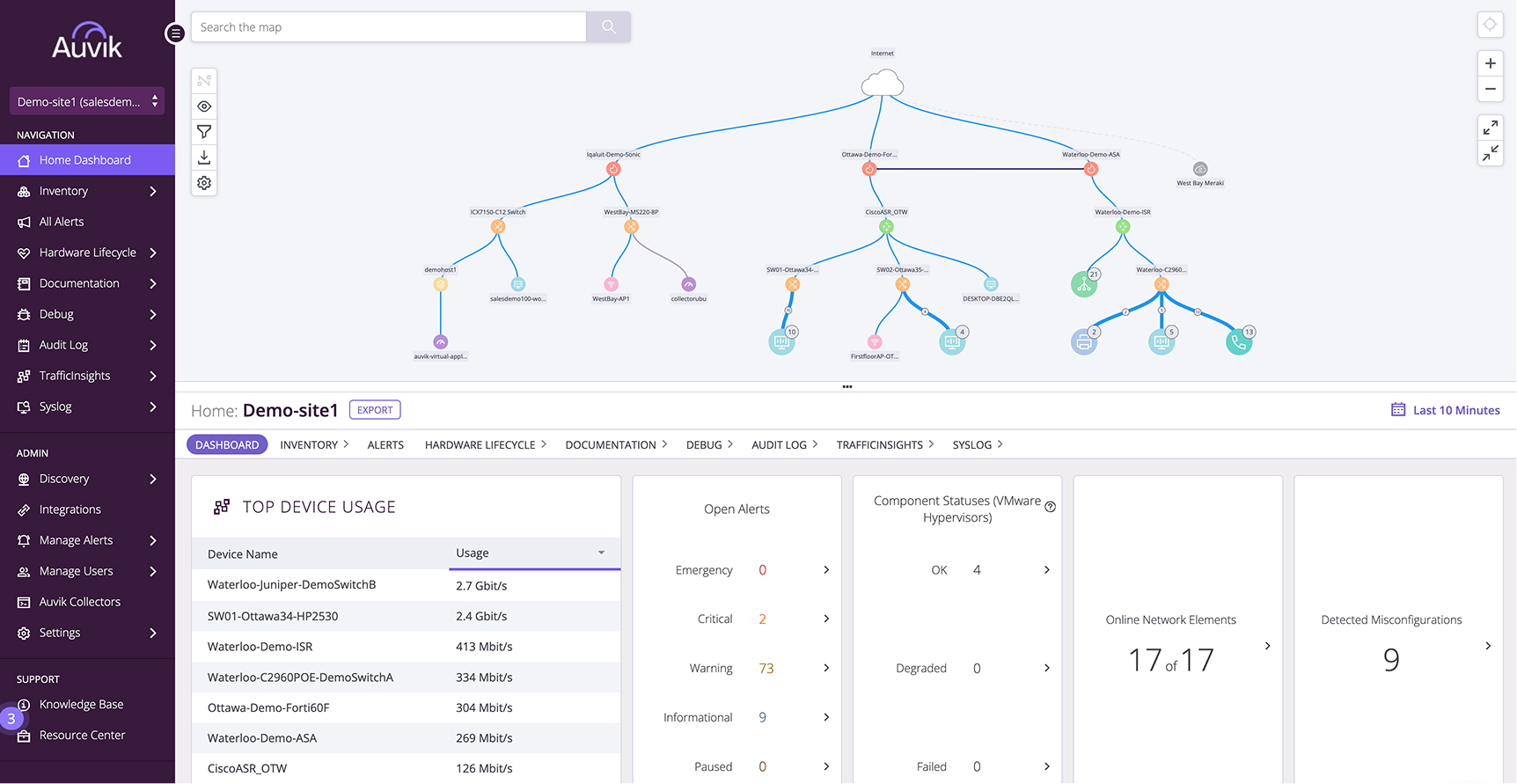
Auvik is a cloud-based network management platform that provides real-time visibility into network devices and connections. It automatically discovers and maps network infrastructure, helping teams monitor changes and troubleshoot issues more efficiently. The platform supports multi-vendor environments and centralizes monitoring, configuration management, and inventory capabilities.
Key features include:
- Real-time monitoring: Displays live network metrics without waiting for scheduled scans.
- Automated network mapping: Continuously updates topology maps as the network changes.
- Configuration management: Tracks and manages network device configurations.
- Multi-vendor device support: Supports hundreds of device vendors out of the box.
- Cloud-based deployment: Deploys quickly without complex on-premises setup.
- Integrated management tools: Combines monitoring, traffic analysis, configuration management, and inventory in one interface.
API and integrations: Connects with external tools such as Slack, ServiceNow, and other platforms.

Source: Auvik
9. SolarWinds Network Configuration Manager

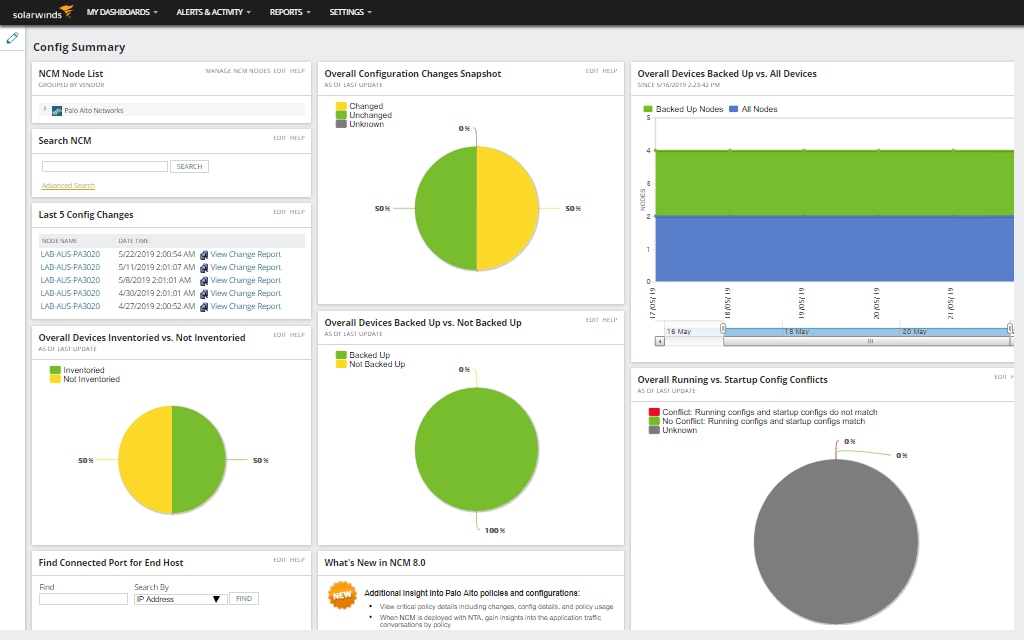
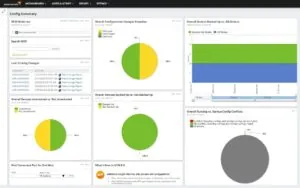
SolarWinds Network Configuration Manager (NCM) is a network configuration management solution available as part of SolarWinds Observability Self-Hosted or as a standalone module. It automates the management, monitoring, and auditing of network device configurations to reduce misconfigurations and support compliance requirements.
Key features include:
- Automated configuration audits: Continuously monitors network devices and generates reports to identify non-compliance.
- Configuration backup and restore: Automatically backs up device configurations and supports restoration to maintain continuity.
- Vulnerability detection: Identifies and helps mitigate configuration-related network vulnerabilities.
- Task automation: Automates routine network configuration tasks to improve operational efficiency.
- Real-time inventory tracking: Maintains an up-to-date inventory of network devices and configurations.
- Change troubleshooting: Helps determine whether configuration changes are the root cause of network issues.
- Compliance reporting: Provides detailed reporting to support audits and regulatory adherence.
Source: SolarWinds
10. ManageEngine Network Configuration Manager

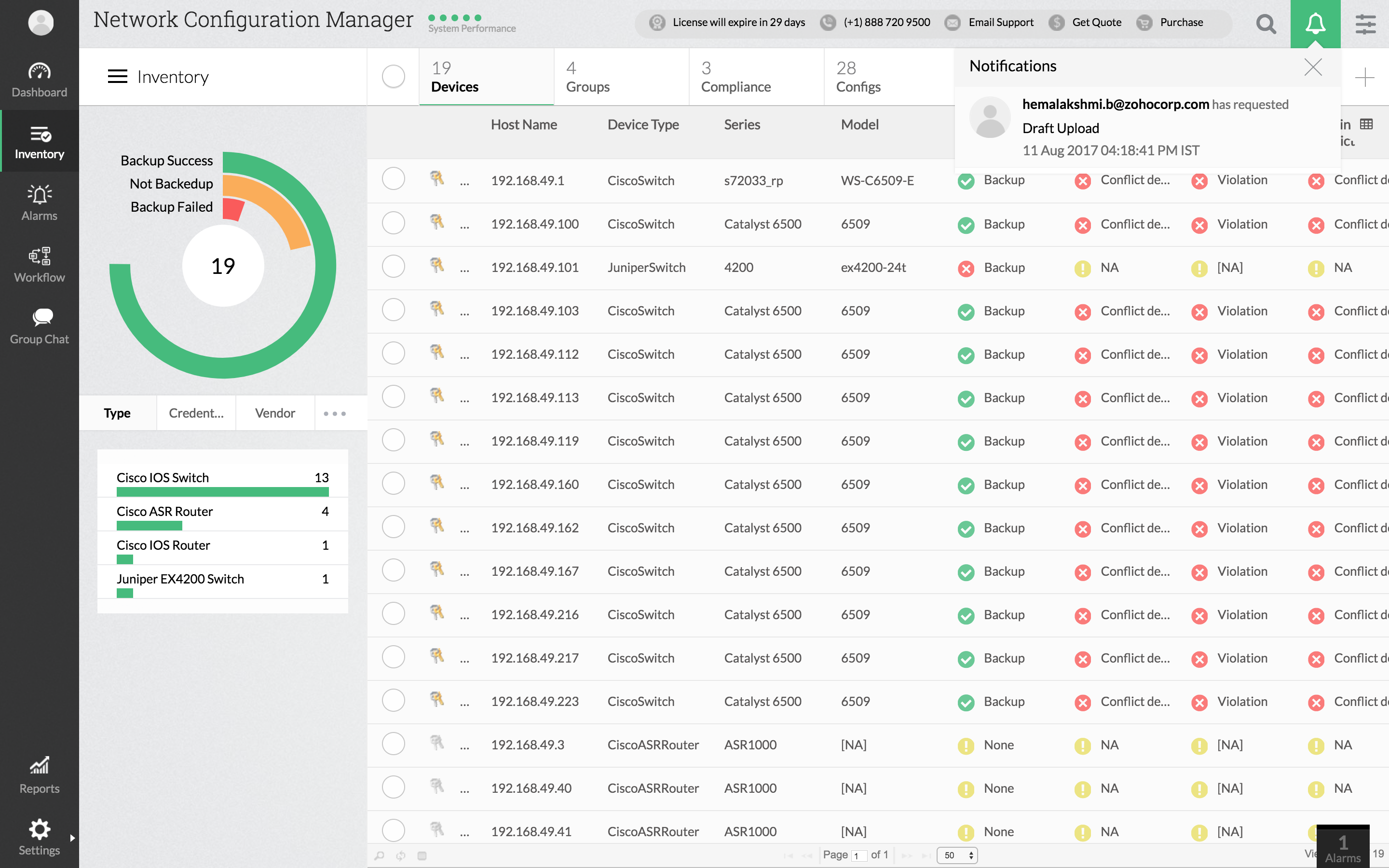
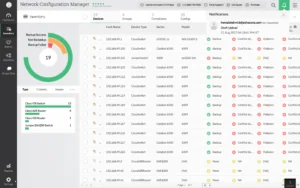
ManageEngine Network Configuration Manager is a multi-vendor network configuration and change management solution designed for switches, routers, firewalls, and other network devices. It automates the lifecycle of device configuration management, including backup, change tracking, compliance auditing, and firmware vulnerability management.
Key features include:
- Configuration backup and versioning: Schedules automated backups and enables comparison between configuration versions.
- Real-time change detection: Monitors devices for configuration changes and provides instant notifications.
- Change rollback and approval workflows: Automatically rolls back unauthorized changes and supports review and approval mechanisms.
- Compliance auditing: Defines policies and checks device configurations against industry standards to ensure compliance.
- Firmware vulnerability management: Scans network devices for firmware vulnerabilities and supports remote upgrades.
- Automation with configlets and scripts: Applies bulk configuration changes and automates repetitive tasks.
- Role-based access control: Restricts access to configurations based on user roles and responsibilities.
Source: ManageEngine
Supporting Configuration Management with Faddom Dependency Mapping
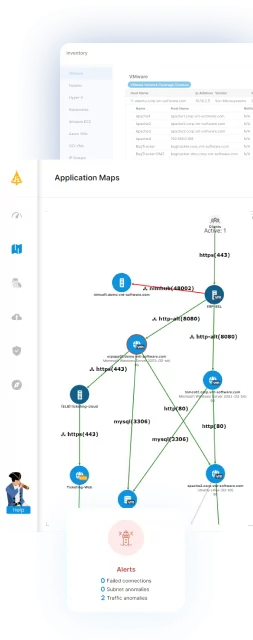
Configuration management tools are essential for maintaining consistency and automating infrastructure changes. However, they often lack the comprehensive visibility that IT teams need to understand how these changes affect business applications and their dependencies. Faddom addresses this gap by providing real-time mapping of every server, application, and traffic flow. This ensures that any changes made through configuration management tools are fully understood, documented, and assessed for risk before implementation.
By integrating automated configuration with Faddom’s agentless application dependency mapping, organizations can minimize downtime, enhance compliance, and maintain continuous clarity across hybrid and cloud environments. Faddom also utilizes AI-powered anomaly detection to identify unusual traffic patterns that may indicate misconfigurations or security threats, enabling IT teams to shift from a “set it and forget it” approach to proactive management.
Book a demo today to see how Faddom can complement your configuration management tools with complete real-time visibility!